
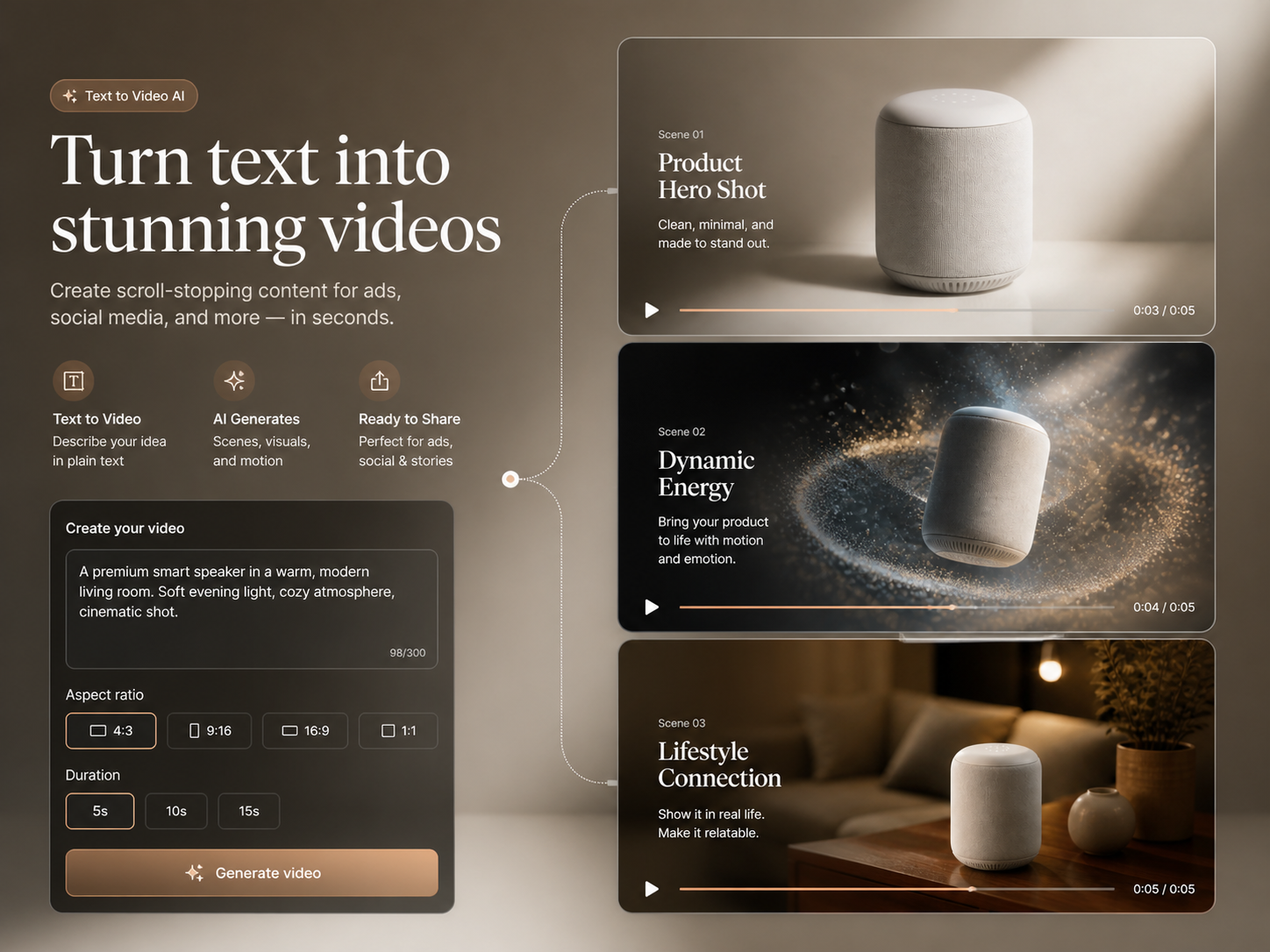
For Social-Ready Content
Turn any idea into ready-to-share videos in the right format for every platform.
Describe a scene and generate with a listed text-to-video model, including MiniMax H3. This independent platform does not currently offer Pika H3 Flex itself.
Turn a written scene into video with compatible AI models and guided controls. Available models include MiniMax H3; Pika H3 Flex itself is not available on this independent platform.
Context: A panda named Bamboo and a red fox named Tweed host a witty podcast called Quantum Quibbles. Bamboo welcomes the audience, Tweed introduces himself, and together they announce today's topic: quantum entanglement. Natural dialogue, expressive gestures and synchronized speech.
Text to Video AI turns a written idea into complete scenes, motion and camera direction in one browser workflow—no source footage or editing timeline required.
Illustrative examples pair prompts with clips, and include source images where supplied. They are not verified Pika H3 Flex outputs or a guarantee for the model currently selected. Review the recorded model when available and adapt the prompt to your own inputs.
From Words to a Complete Video
Turn any idea into ready-to-share videos in the right format for every platform.
Direct scenes, motion and camera behavior with a prompt—no manual timeline needed.

Create polished motion, clean visuals and cinematic transitions directly from text.

Generate more video concepts without shoots, stock footage or extra editors.
Create a video in three clear steps: choose a model, write a detailed prompt and generate.
One credit balance for images, video and audio. Pick a monthly or yearly plan, and top up with a credit pack anytime.
Perfect for beginners exploring AI
$119.88 billed yearly
3,000 Credits / month
Secure checkout · cancel renewal anytime
Ideal for high-frequency creation
$299.88 billed yearly
10,000 Credits / month
Secure checkout · cancel renewal anytime
Designed for extreme production
$959.88 billed yearly
30,000 Credits / month
Secure checkout · cancel renewal anytime
Not yet. This is an independent platform, not the official Pika service. MiniMax H3 is a separate model, not Pika H3 Flex. Choose one of the listed models and check its supported inputs, settings and Credit cost before generating. For the official Flex service, start at pika.art/pika-h3-flex.
Text to Video AI turns a written description into a generated video, including scenes, subjects, motion, camera direction and atmosphere.
Write a detailed prompt, choose a compatible video model and settings, review the Credit estimate, then select Generate Now.
No. An image is optional on the Text to Video page. Add one only when you want it to guide the visual result.
Describe the subject, action, location, lighting, camera movement and visual style clearly. Keep important directions specific and consistent.
Waiting time depends on the queue, provider, selected model, resolution and clip duration. We have not measured a typical completion time for this integration. Follow the existing task’s status in My Work; waiting alone does not mean it failed.
You can try it with available signup Credits. Pika H3 Flex shows the estimated cost before every generation.
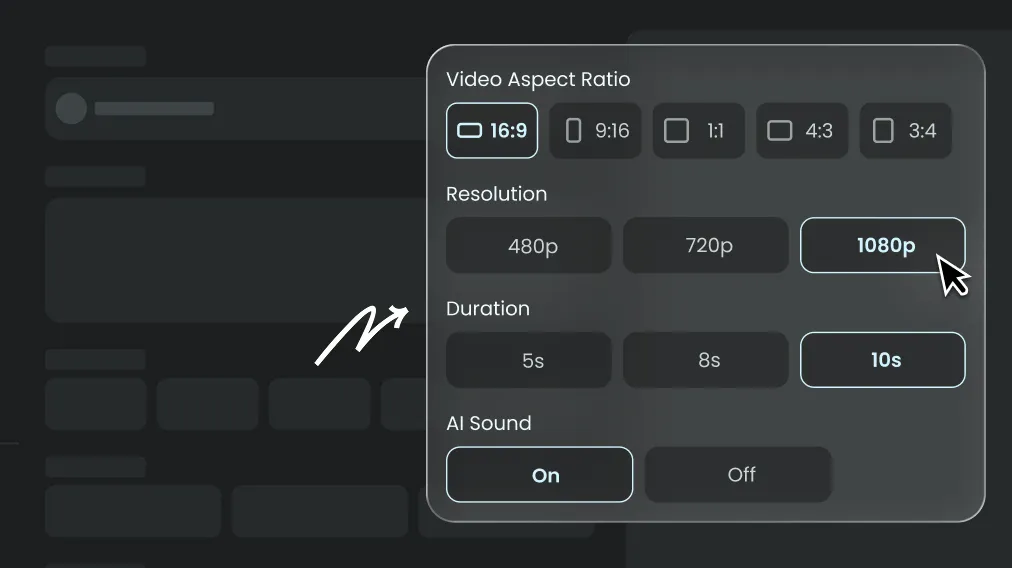
Yes. It supports vertical, square and widescreen formats for short-form posts, explainers and other publishing workflows.
Models with native audio expose an AI Sound setting. Availability depends on the selected model.
Refine one variable at a time, simplify conflicting instructions and state the camera direction, action and style explicitly.
Paid outputs generated with a Lite, Pro or Ultra subscription, or a one-time Credit Pack, may be used commercially under our Terms of Service, the selected model's terms and applicable intellectual property law. You must have the rights to your inputs and remain responsible for how you use the output.
Choose a listed text-to-video model, describe one scene and check the Credit estimate before generating.
Eligible new accounts can receive up to 10 signup Credits. Granted signup Credits expire after 3 days.
Grants are subject to eligibility and the daily allocation limit, so registration does not guarantee a grant. Your Credit history shows the amount actually received and its expiry. Signup Credits are not unlimited and may be insufficient for a video.
These are estimates for one new attempt with the listed models. The draft uses text only; the image example uses one first frame; the reference example uses two still images. No video or audio references are included.
| Workflow | Model and settings | Estimated Credits | Pack-price equivalent (USD) | Signup allowance comparison |
|---|---|---|---|---|
| Short text-only draft | seedance-2.0-mini 4s · 480p · 16:9 | 30 | $0.18 | Full signup grant is insufficient |
| Single-image animation | minimax-h3 5s · 768p · 16:9 | 122 | $0.73 | Full signup grant is insufficient |
| Two-image reference shot | minimax-h3 5s · 768p · 16:9 | 122 | $0.73 | Full signup grant is insufficient |
USD equivalents use the current 5000-Credit Pack at $29.99. They allocate part of a pack purchase, not a separate per-video cash payment. Subscription rates and other packs differ; actual remaining allowance may be lower.
A successful result uses Credits even if you dislike it. Budget for several attempts: three successful attempts at the same settings use about three times the listed Credits. Failed generation tasks return their Credits. Video/audio reference duration and other inputs can affect the final quote.